
If you've ever tried to mix two tracks and they clashed, the first thing most DJs check is the BPM. Beats per minute tells you how fast a track is, and it's the single most important number for beatmatching and building a smooth set.
The good news: finding the BPM of a song is easy. You can count it by hand, read it off your DJ software, or let a free BPM finder detect it automatically in seconds.
Key takeaway
BPM (beats per minute) is the tempo of a track. Two songs match well when their BPMs are close — usually within ±5–10 — or when one is an exact double or half of the other.
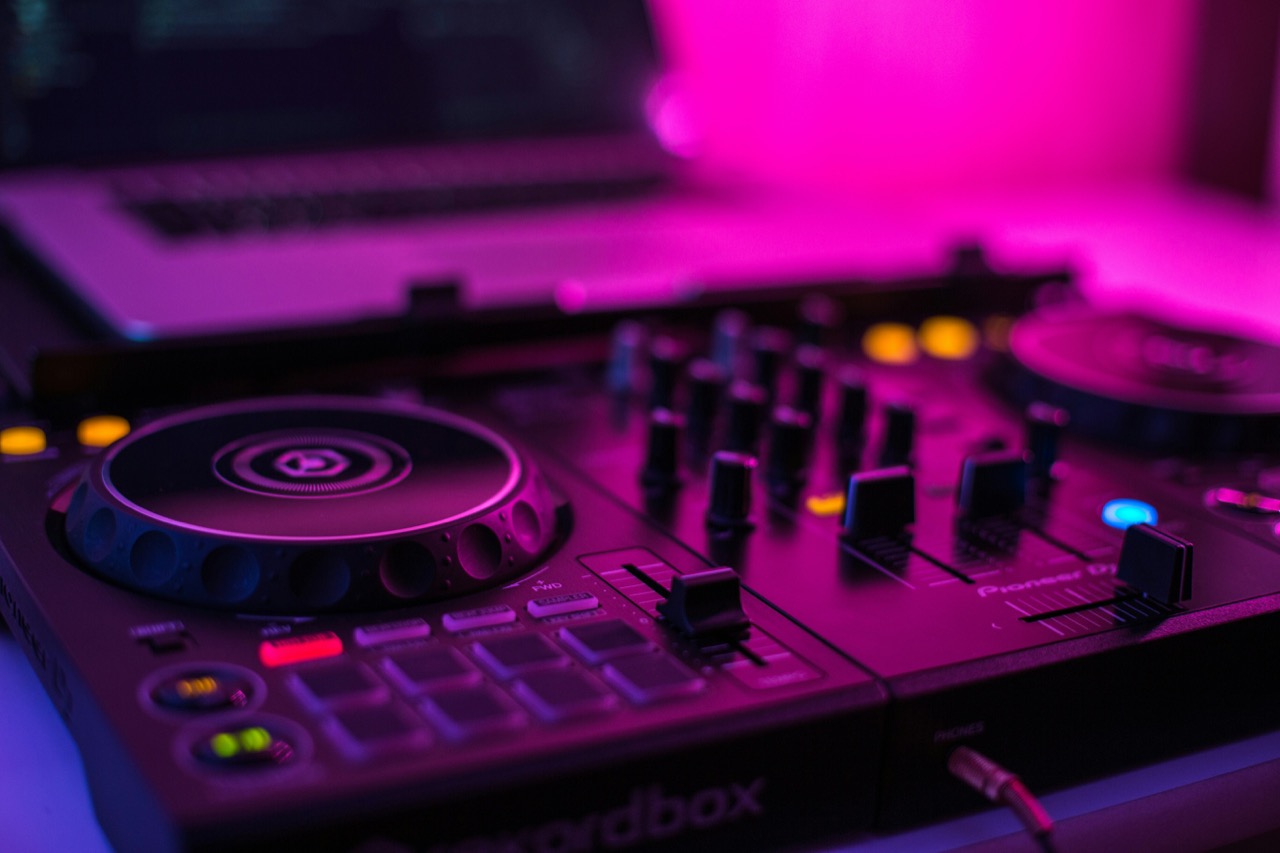
What Is BPM in Music?
BPM stands for beats per minute — how many beats occur in one minute of music. It's the tempo of a song.
Different genres sit in different BPM ranges:
- Hip-Hop / Trap: 70–100 BPM (often played at 140–160 with half-time feel)
- House / Deep House: 118–128 BPM
- Techno / Tech House: 124–135 BPM
- Trance: 128–140 BPM
- Pop / Dance: 100–128 BPM
- Rock: 110–140 BPM
Knowing the typical BPM of a genre helps you quickly guess where a track might sit before you even analyze it.
How to Find the BPM of a Song Manually
Before apps existed, DJs counted tempo by hand. It still works today, and it's a great skill to have.
- Start a stopwatch at the first beat of a phrase (usually after the intro).
- Count the beats for a full 60 seconds.
- The number of beats you counted is the BPM.
For a faster method, count for 15 seconds and multiply by 4 — or count for 30 seconds and multiply by 2. You'll get a close approximation that's good enough for most listening and organizing.
The manual method is most useful when you're just a little curious and don't want to open any software. For accuracy and speed, an automatic tool is far better.
You'd think nobody needs to count beats by hand anymore — and honestly, almost nobody does. But if you ever find yourself in a post-apocalyptic wasteland with nothing but a mechanical watch, and you want to scribble a piece of sheet music to pass on to the last few humans standing, this is the skill that'll save the song. You'll be the hero of the ruins.
Use a BPM Finder or BPM Calculator
The easiest way to find the BPM of a song is to let a BPM finder do the work. These tools analyze the audio and detect the tempo automatically.
A good BPM finder (or bpm calculator, bpm checker, or tempo detector) can:
- Detect tempo from an MP3, WAV, FLAC, or other audio file
- Work in your browser with no downloads or installation
- Show you the result on screen in a couple of seconds
- Often pair the tempo with the key, so you get both numbers for mixing at once
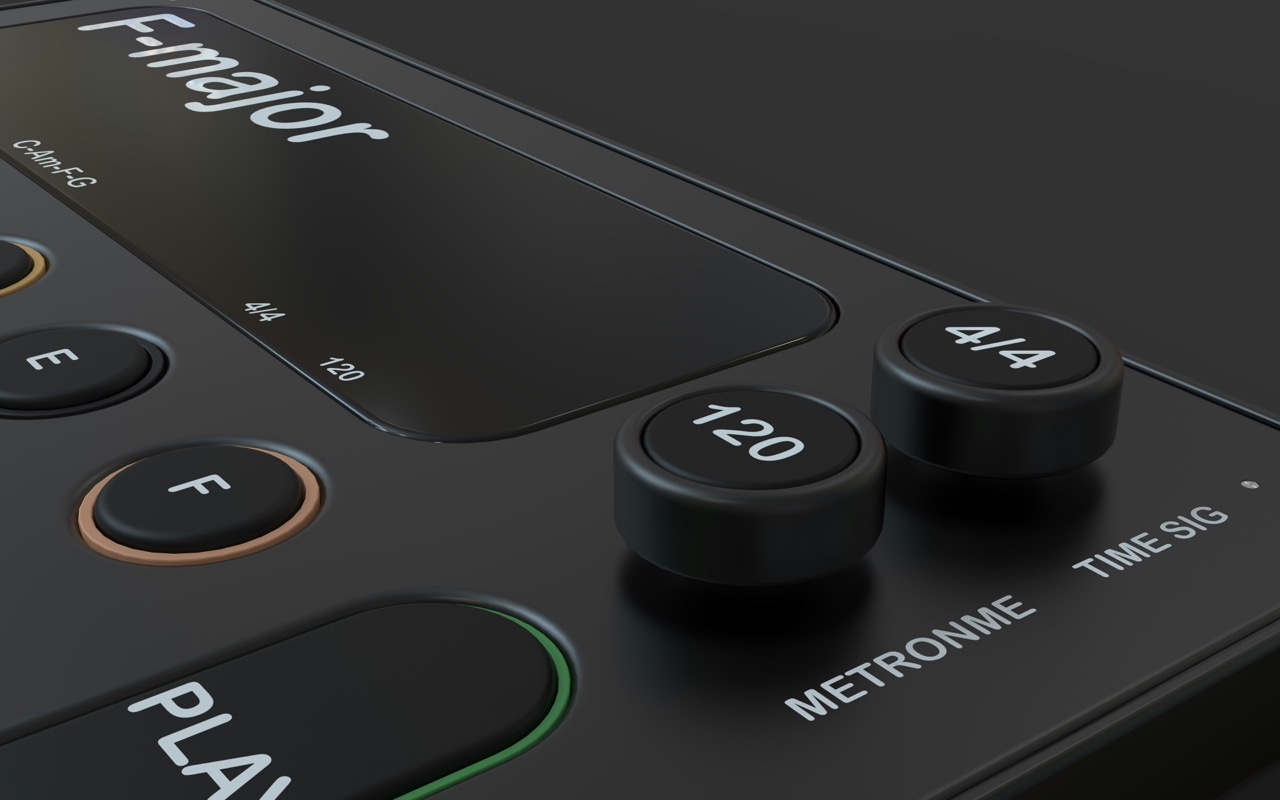
Some tools even analyze YouTube, Spotify, and SoundCloud directly — you play the track in another tab, run the detector, and get the BPM without downloading the audio first.
Key takeaway
A browser-based BPM finder is the fastest route: play a track, click analyze, and the tempo appears in seconds — no desktop software needed.
Find the BPM of a Song on Streaming Platforms
Most of the music you'll want to organize lives on streaming services, and those don't let you download the file. That's where browser tools shine.
To find the BPM of a song on YouTube or Spotify:
- Open the track in a tab.
- Use a browser tool (or extension) that can detect audio from another tab.
- Press play and let it analyze a section of the track.
- Read the BPM — and usually the key — from the result.
This makes it practical to build a BPM library for your whole collection in an afternoon, without juggling files.
Why You Need the BPM and the Key
Tempo isn't the only number that matters. To mix two songs smoothly, you also want them in compatible keys.
- BPM lets you beatmatch and keep the energy consistent.
- Key lets you avoid harmonic clashes between melodic tracks.
A tool that shows both — a combined BPM and key finder — is far more useful than checking tempo alone. You get the tempo to line up the beat and the key to make sure the notes work together.
Try Song Key Finder for Free
Want to find the BPM of a song and its key together? Song Key Finder detects both instantly, right in your browser — from uploaded files or from YouTube, Spotify, and other streaming platforms. It shows the tempo and key side by side, plus compatible keys for harmonic mixing.
No login required. No downloads. Just open a track and get the numbers.
Related: BPM and Key Finder for DJs · How to Find the Key of a Song
Photo credits: Nikolai Chernichenko, Kedibone Isaac Makhumisane (Unsplash)